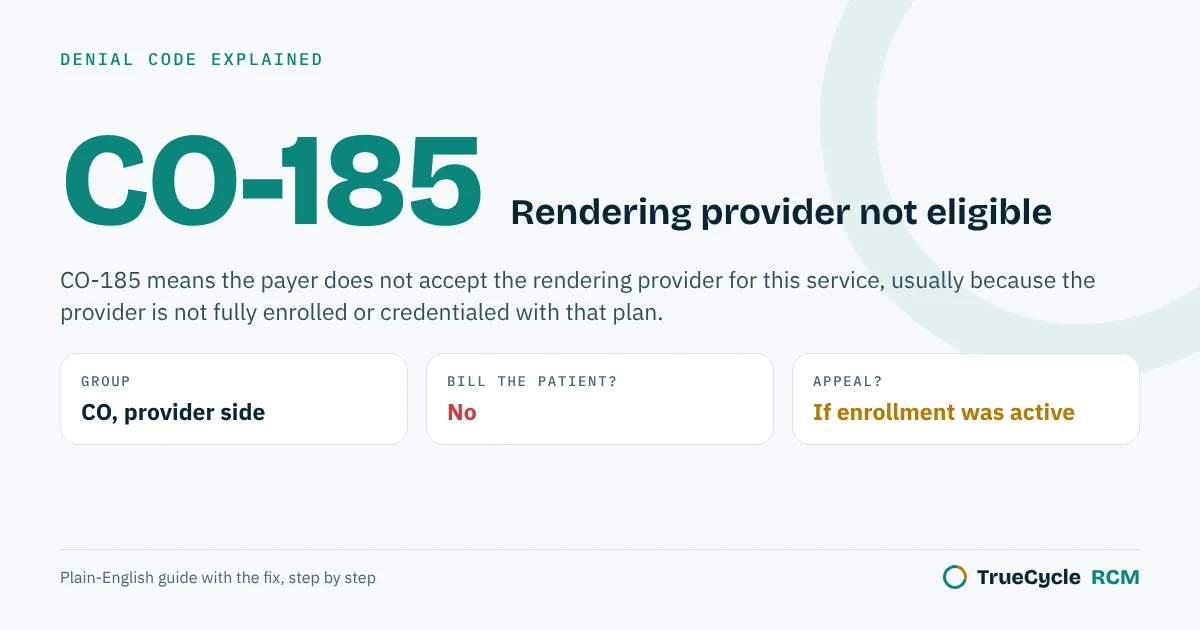
CO-185 means the payer does not accept the rendering provider for this service, usually because the provider is not fully enrolled or credentialed with that plan, the effective date is after the visit, or the wrong NPI is on the claim. Fix the enrollment or the claim, then resubmit.
The official wording
The X12 Claim Adjustment Reason Code list defines 185 as: "The rendering provider is not eligible to perform the service billed."
The letters in front are the group code. CO means contractual obligation (the provider absorbs it), PR means patient responsibility, and OA is other adjustment. The same reason code can come with different group codes, so always read both.
Common causes
- Credentialing is not finished, or the effective date is after the date of service.
- The provider is linked to a different tax ID or location in the payer's system.
- The group NPI is used as rendering, or a different provider's NPI was entered.
Send us the list: payer, date of service, denial code and amount. No patient names needed. We will tell you which claims can still be fixed, which need an appeal, and which deadlines are close. Free, usually within 2 business days. Want the full picture? Get a free 90-day denial audit from your ERA files.
Run a billing company? Add a trained biller from $8/hour, first 25 claims free.
How to fix it
- Check the provider's enrollment status and effective date with the payer.
- Check the claim: rendering NPI, billing NPI, tax ID and service location.
- If enrollment was active, ask for reprocessing with proof. If it was not, ask whether the payer allows retroactive effective dates.
One claim, start to finish
Dr. Lee joins a group practice on March 1. The group bills her visits under her own NPI right away. Her enrollment with the payer is approved later, with an effective date of April 15. Every visit she saw between March 1 and April 14 comes back like this:
| Line on the remittance | Amount | What it means |
|---|---|---|
| Billed charge | $165.00 | Office visit by Dr. Lee |
| CO-185 | $165.00 | Rendering provider not eligible on this date. Provider absorbs it for now. |
| Paid by payer | $0.00 | Nothing paid |
| Patient balance | $0.00 | You cannot move this to the patient |
The claim itself is fine. The problem is the date gap between when she started seeing patients and when the payer says she was in. That is why the first thing to check on CO-185 is always the effective date, not the coding.
CO-185 vs CO-B7 vs CO-170
Three reason codes look alike. Each one points to a different fix.
| Code | Official wording | What it usually points to |
|---|---|---|
| CO-185 | "The rendering provider is not eligible to perform the service billed." | The person on the claim is not set up with the plan for this service: not enrolled, wrong effective date, wrong location or wrong NPI. |
| CO-B7 | "This provider was not certified/eligible to be paid for this procedure/service on this date of service." | A date problem: the certification or enrollment was not active on that date of service. |
| CO-170 | "Payment is denied when performed/billed by this type of provider." | A provider type problem: the plan does not pay this kind of provider (for example a certain specialty or license) for this service. |
See our guides to CO-B7 and CO-170.
Remark codes that often come with CO-185
| Remark code | Official wording | What to do |
|---|---|---|
| N290 | "Missing/incomplete/invalid rendering provider primary identifier." | The rendering NPI on the claim is missing, wrong, or not the one the payer has on file. Check box 24J (loop 2310B). |
| N95 | "This provider type/provider specialty may not bill this service." | The provider's specialty or taxonomy on file does not match the service. Check the taxonomy code on the claim and with the payer. |
| N570 | "Missing/incomplete/invalid credentialing data." | The payer's credentialing file is incomplete. Call provider relations and ask what is missing. |
Always read the remark code first. It tells you whether this is an enrollment problem or a claim data problem.
Where CO-185 really comes from
| What went wrong | How to spot it | Fix |
|---|---|---|
| Credentialing not finished | Payer portal shows "pending" or no record for the provider | Finish enrollment. Ask for a retro effective date. |
| Effective date after the visit | Portal shows active, but the start date is after the date of service | Ask for a retroactive date. If refused, write off. |
| Enrolled at a different location or tax ID | Provider is active, but under another group or address | Add the location or link the provider to the right group, then resubmit. |
| Group NPI used as rendering | Box 24J has the type 2 (group) NPI | Put the individual (type 1) NPI in 24J and send a corrected claim. |
| Wrong provider on the claim | A covering doctor saw the patient, but the regular doctor was billed | Bill under the provider who actually did the service. |
| Taxonomy mismatch | Remark N95, or taxonomy on the claim differs from enrollment | Use the taxonomy the payer has on file. |
Medicare: the 30-day rule
For Medicare, a physician or non-physician practitioner's billing start date is the later of two dates: when an application that was later approved was filed, or when they first saw patients at the new location. Medicare lets them bill back up to 30 days before that start date when circumstances kept them from enrolling sooner (42 CFR 424.520 and 424.521).
In plain terms: send the Medicare enrollment (PECOS) before the provider starts, or within 30 days of the first visit. Visits more than 30 days before the filing date are usually lost.
Commercial plans have no single rule. Some backdate to the application date, some to the date the contract was signed, and some never backdate. Ask each payer in writing.
How to work a CO-185 denial
- Read the remark code on the 835 or EOB.
- Look up the rendering provider in the payer portal: status, effective date, location and tax ID.
- Compare the claim: rendering NPI (24J), billing NPI (33a), tax ID (25) and service address (32).
- If the claim data was wrong, send a corrected claim with frequency code 7.
- If enrollment was active on the date of service, ask for reprocessing or appeal with the approval letter or portal screenshot.
- If enrollment was not active, ask for a retroactive effective date before you write anything off.
- Write off only what the payer will not backdate. Do not bill the patient.
CO-185 checklist before you bill a new provider
- ☐ Enrollment approved with each payer, with the effective date written down.
- ☐ Provider linked to the right group, tax ID and every location they work at.
- ☐ Individual NPI in box 24J, group NPI in 33a.
- ☐ Taxonomy on the claim matches what the payer has on file.
- ☐ Medicare enrollment filed before the first visit or within 30 days.
- ☐ Claims for visits before the effective date held, not sent, until the payer confirms the date.
Planning a new hire? Our credentialing timeline calculator shows when to start each payer application.
Questions people ask about CO-185
Can I bill the patient for CO-185?
No, not for an in-network denial caused by credentialing.
Can a payer backdate credentialing?
Some do, some do not, and some states have rules. Ask the payer for a retroactive effective date before writing the claims off.
What is the difference between CO-185 and CO-B7?
CO-185 says the rendering provider is not eligible to perform the service billed. CO-B7 says the provider was not certified or eligible to be paid on that date of service, so it points more directly to an effective date problem. The fix is often the same: check enrollment and the start date.
Can Medicare backdate a new provider?
Medicare lets physicians and non-physician practitioners bill up to 30 days before their enrollment effective date when circumstances kept them from enrolling sooner (42 CFR 424.521). Visits earlier than that are usually not payable.
Should I hold claims for a provider whose credentialing is pending?
Yes, if the payer will backdate. Hold the claims and watch your timely filing limit. Send them once the effective date is confirmed. If the payer will not backdate, ask whether another credentialed provider supervised the visit and what that payer allows.
Seeing CO-185 on your remittances?
Send us 25 claims and we will group your denials by reason and remark code and show you which fix removes the most of them. Free, no setup fee.
Start the free 25-claim trialFiling limits, appeal windows and claim addresses change quietly. Get one short email a month with what changed and the free tools we add.
One email a month. No spam. Unsubscribe any time.Other denial code guides
All denial code guides
PR-1 · PR-2 · PR-3 · CO-4 · CO-5 · CO-11 · CO-15 · CO-16 · OA-18 · CO-22 · OA-23 · CO-24 · CO-26 · CO-27 · CO-29 · CO-31 · CO-45 · CO-49 · CO-50 · CO-59 · PR-96 · CO-97 · CO-109 · CO-119 · CO-129 · CO-140 · CO-146 · CO-151 · CO-167 · CO-170 · CO-181 · CO-185 · CO-197 · CO-198 · PR-204 · CO-234 · CO-236 · CO-242 · CO-252 · CO-253 · CO-288 · CO-A1 · CO-B7 · MA130 · N130 · N23 · N290
Timely filing limits by payer: Cigna timely filing limit · HealthSpring timely filing limit · Aetna timely filing limit · UnitedHealthcare timely filing limit · Humana timely filing limit · corrected claim timely filing limits
Sources: X12 Claim Adjustment Reason Code list (185), read October 28, 2026; CMS Medicare guidance where Medicare rules are mentioned; X12 Claim Adjustment Reason Codes 185, B7 and 170 and Remittance Advice Remark Codes N290, N95 and N570 (x12.org, read October 28, 2026); 42 CFR 424.520 and 424.521 (Medicare effective billing dates). Last reviewed October 28, 2026. General information, not coding or legal advice. Payer rules differ, so check the remark code and the payer's own policy.