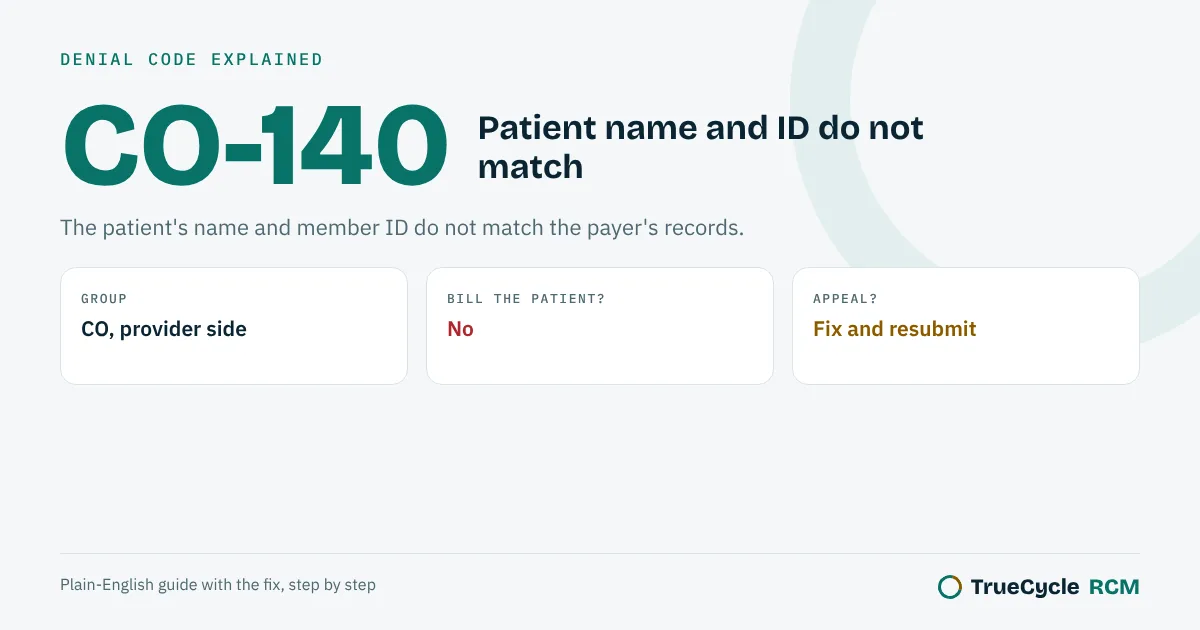
CO-140 means the name and member ID on the claim do not match what the payer has on file. Check the insurance card and the eligibility response, correct the name, ID or date of birth, and resubmit.
The official wording
The X12 Claim Adjustment Reason Code list defines 140 as: "Patient/Insured health identification number and name do not match."
The letters in front are the group code. CO means contractual obligation (the provider absorbs it), PR means patient responsibility, and OA is other adjustment. The same reason code can come with different group codes, so always read both.
What CO-140 is telling you
Payers match a claim to a member by ID, name and date of birth. When those do not line up, the claim cannot be matched and comes back with CO-140. It is close to CO-31, where the payer cannot identify the patient as its member at all.
This is one of the easiest denials to fix, and one of the easiest to prevent.
Send us the list: payer, date of service, denial code and amount. No patient names needed. We will tell you which claims can still be fixed, which need an appeal, and which deadlines are close. Free, usually within 2 business days. Want the full picture? Get a free 90-day denial audit from your ERA files.
Run a billing company? Add a trained biller from $8/hour, first 25 claims free.
Common causes
- A nickname or a misspelling instead of the legal name on the card.
- A name change after marriage or divorce that the payer or the practice has not updated.
- A newborn billed under the mother's ID or a temporary name.
- The subscriber's details used for a dependent, or a missing suffix on the member ID.
How to fix it
- Run an eligibility check and copy the name, ID and date of birth exactly as the payer returns them.
- Correct the patient and subscriber details in the practice management system.
- Resubmit the claim. If the first one was rejected and never accepted, send it as a new claim. If it was processed, send a corrected claim.
- If the patient changed their name, ask them to update it with the payer too.
How to prevent it
- Scan the front and back of the insurance card at every visit.
- Run a real-time eligibility check before the visit and fix any mismatch then.
- Use the legal name from the card, not the name the patient goes by.
One claim with a name that did not match
The patient tells the front desk his name is Bob Smith. His card says Robert J Smith Jr. The claim goes out with the nickname.
| Item | On the claim | What it means |
|---|---|---|
| Patient name | BOB SMITH | Card shows ROBERT J SMITH JR |
| Member ID | Correct | ID matches, but the name on it does not |
| Remittance | CO-140 | Claim denied, no payment |
| Fix | Copy the name from the eligibility response | Send again with ROBERT SMITH and suffix JR |
The member ID was right, which is why many billers miss this one. The payer matches the name and the ID together.
Where the mismatch usually hides
Compare these fields on the claim with the payer's eligibility response, letter for letter.
| Field | Common mistake | Where it goes on the claim |
|---|---|---|
| Patient last name | Old married name, hyphen missing | Box 2 / 2010CA NM1 (or 2010BA if patient is the subscriber) |
| First name | Nickname instead of legal name | Box 2 / NM104 |
| Suffix | JR, SR or III left out | NM107 |
| Subscriber vs patient | Child billed under the parent's name | Box 4 and box 2, with relationship code |
| Date of birth | Day and month swapped | Box 3 / DMG02 |
If the patient's name changed, ask them to update it with the payer too. Otherwise the next claim denies again.
How to fix CO-140
- Run an eligibility check and copy name, ID, date of birth and suffix exactly as the payer returns them.
- Fix the patient record in the practice management system, not only on this claim.
- If the claim was rejected and never accepted, send it as a new claim.
- If it was processed and denied, send a corrected claim (frequency 7) with the payer's claim number.
- For a newborn, use the baby's own ID once issued, or follow the payer's rule for the mother's ID.
CO-140 checklist
- ☐ Name copied from the card or eligibility response, not from the patient's form.
- ☐ Suffix and hyphens included.
- ☐ Patient and subscriber set up correctly with the right relationship code.
- ☐ Eligibility run before every new patient's first claim.
Questions people ask about CO-140
Can I bill the patient for CO-140?
No. It is a data mismatch. Correct the details and resubmit.
What is the difference between CO-140 and CO-31?
CO-140 means the name and ID do not match each other. CO-31 means the payer cannot find the patient as its member.
Is CO-140 a rejection or a denial?
It comes on the remittance, so the payer processed and denied it. Fix it and send a corrected claim.
Can a hyphen cause CO-140?
Yes. Some payers store Garcia-Lopez as GARCIALOPEZ or with a space. Match their record exactly.
How do I avoid CO-140 for newborns?
Ask the parent for the baby's card as soon as it arrives and check eligibility before billing.
Seeing CO-140 on your remittances?
Send us 25 claims and we will group your denials by reason and remark code and show you which fix removes the most of them. Free, no setup fee.
Start the free 25-claim trialFiling limits, appeal windows and claim addresses change quietly. Get one short email a month with what changed and the free tools we add.
One email a month. No spam. Unsubscribe any time.Other denial code guides
All denial code guides
PR-1 · PR-2 · PR-3 · CO-4 · CO-5 · CO-11 · CO-15 · CO-16 · OA-18 · CO-22 · OA-23 · CO-24 · CO-26 · CO-27 · CO-29 · CO-31 · CO-45 · CO-49 · CO-50 · CO-59 · PR-96 · CO-97 · CO-109 · CO-119 · CO-129 · CO-140 · CO-146 · CO-151 · CO-167 · CO-170 · CO-181 · CO-185 · CO-197 · CO-198 · PR-204 · CO-234 · CO-236 · CO-242 · CO-252 · CO-253 · CO-288 · CO-A1 · CO-B7 · MA130 · N130 · N23 · N290
Timely filing limits by payer: Cigna timely filing limit · HealthSpring timely filing limit · Aetna timely filing limit · UnitedHealthcare timely filing limit · Humana timely filing limit · corrected claim timely filing limits
Sources: X12 Claim Adjustment Reason Code list (140), read October 26, 2026; CMS Medicare guidance where Medicare rules are mentioned. Last reviewed October 26, 2026. General information, not coding or legal advice. Payer rules differ, so check the remark code and the payer's own policy.